
Maplair Tutorials
Every tutorial here comes with step-by-step code explanation and is easy enough even for beginner JavaScript developers.
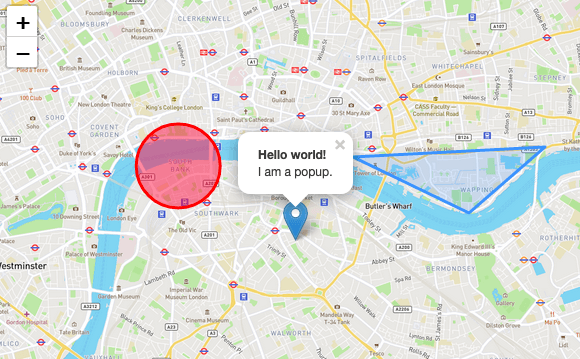
Maplair Quick Start Guide
A simple step-by-step guide that will quickly get you started with Maplair basics, including setting up a Maplair map (with OpenStreetMap tiles) on your page, working with markers, polylines and popups, and dealing with events.
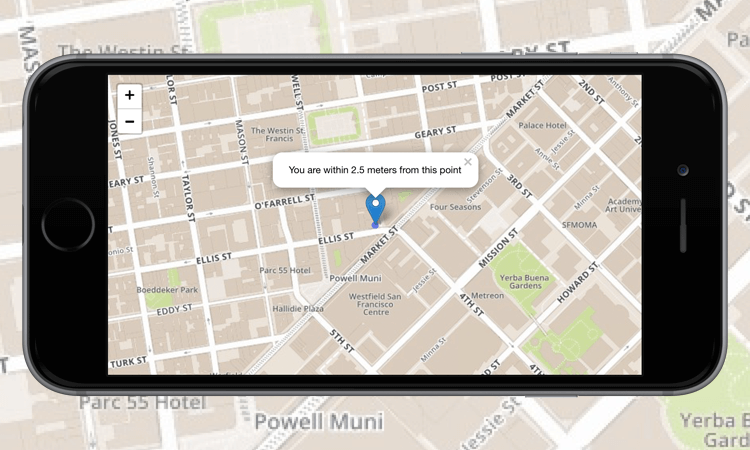
Maplair on Mobile
In this tutorial, you’ll learn how to create a fullscreen map tuned for mobile devices like iPhone, iPad or Android phones, and how to easily detect and use the current user location.
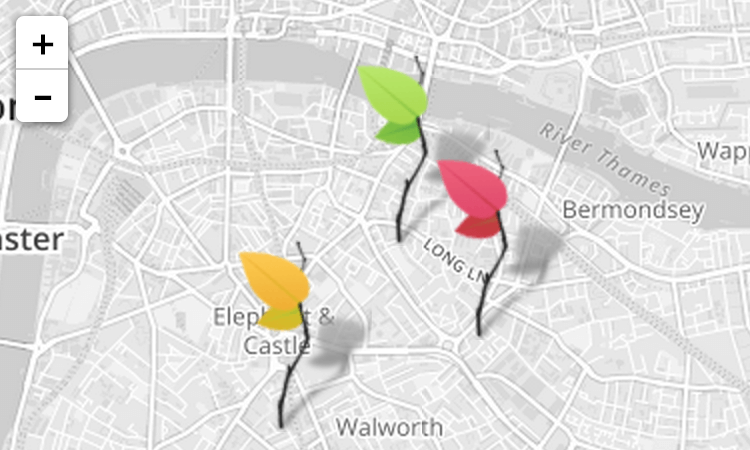
Markers with Custom Icons
In this pretty tutorial, you’ll learn how to easily define your own icons for use by the markers you put on the map.
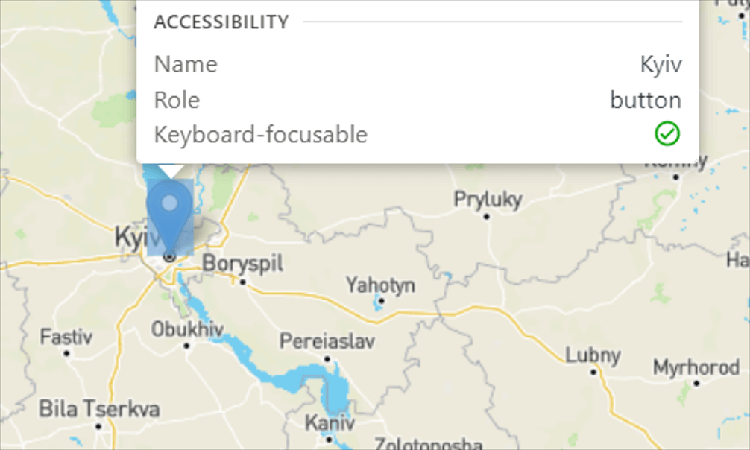
Accessible Maps
A guide to basic Maplair accessibility - make your maps usable to persons of a wide range of abilities.
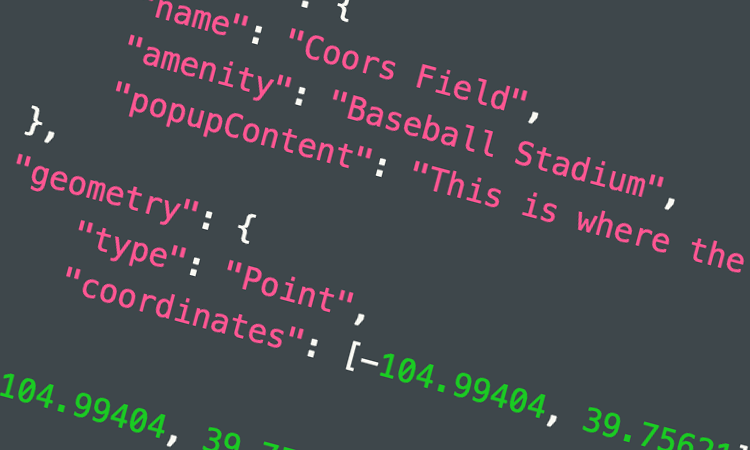
Using GeoJSON with Maplair
In this tutorial, you’ll learn how to create and interact with map vectors created from GeoJSON objects.
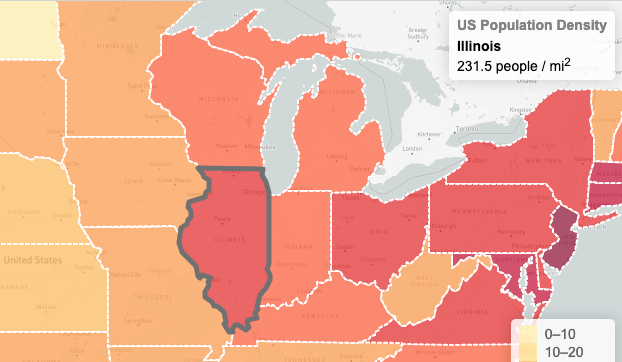
Interactive Choropleth Map
A case study of creating a colorful interactive choropleth map of US States Population Density with GeoJSON and some custom controls. News websites will love this.
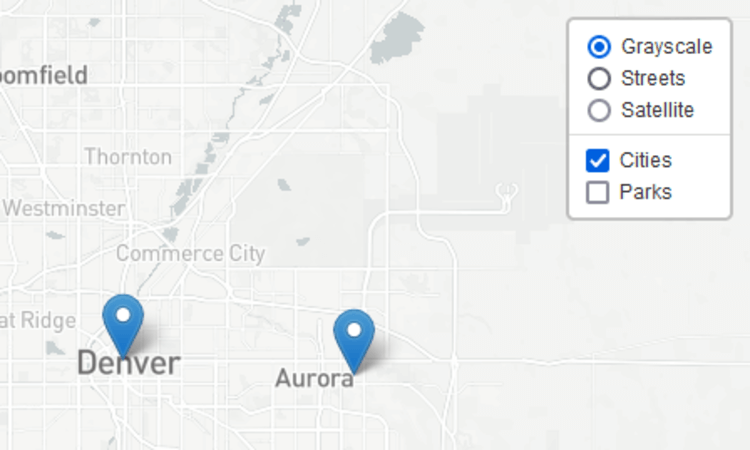
Layer Groups and Layers Control
A tutorial on how to manage groups of layers and use the layer switching control.
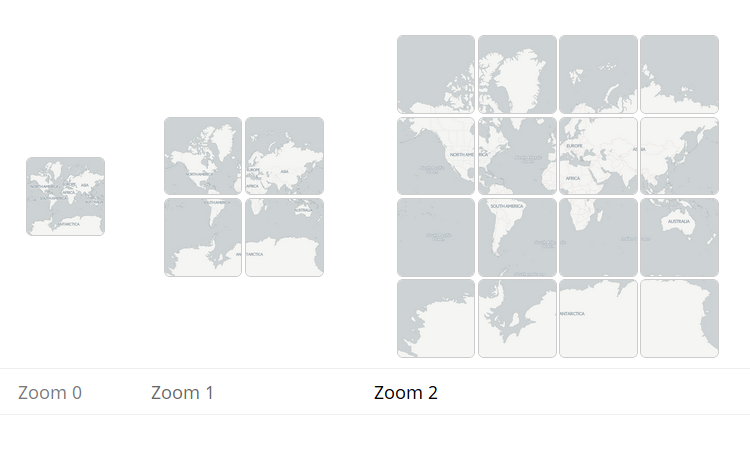
Zoom Levels
A deeper look into what zoom levels are.
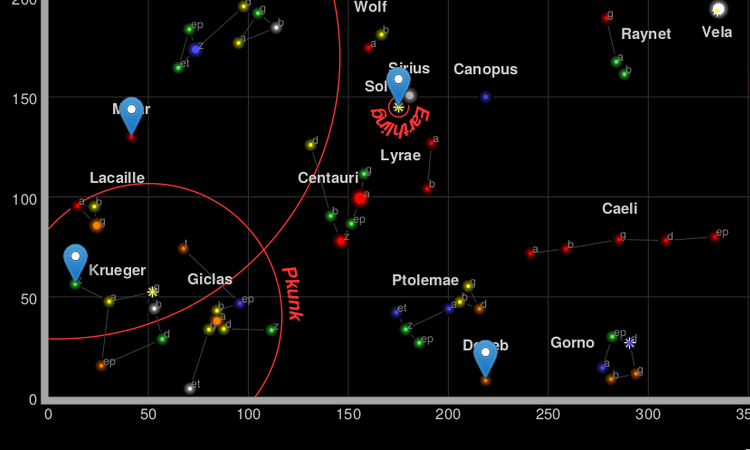
Non-geographical Maps
A primer on SimpleCRS, how to make maps with no concept of “latitude” or “longitude”.
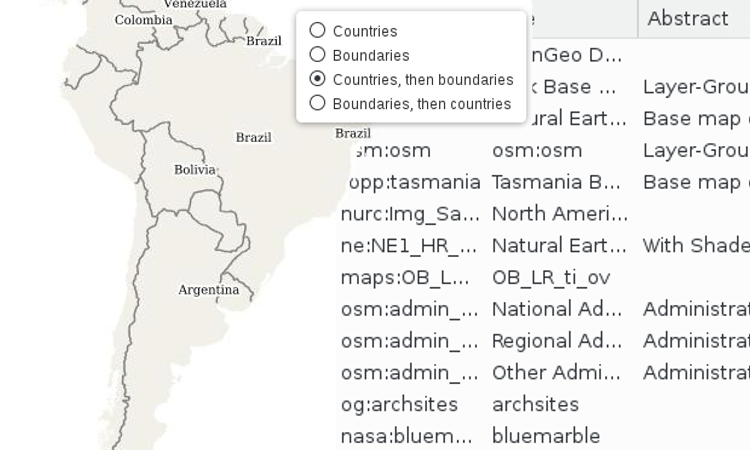
WMS and TMS
How to integrate with WMS and TMS services from professional GIS software.
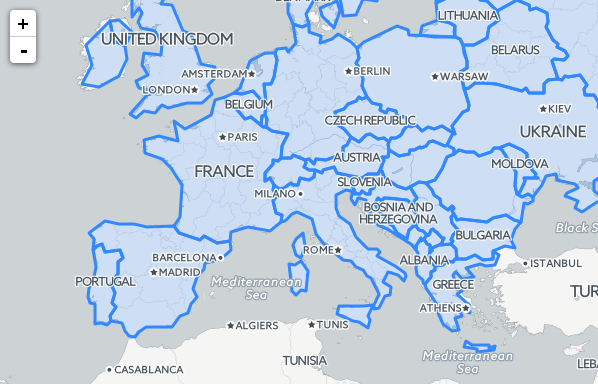
Working with Map Panes
How the default map panes work to display overlays on top of tiles, and how to override that.
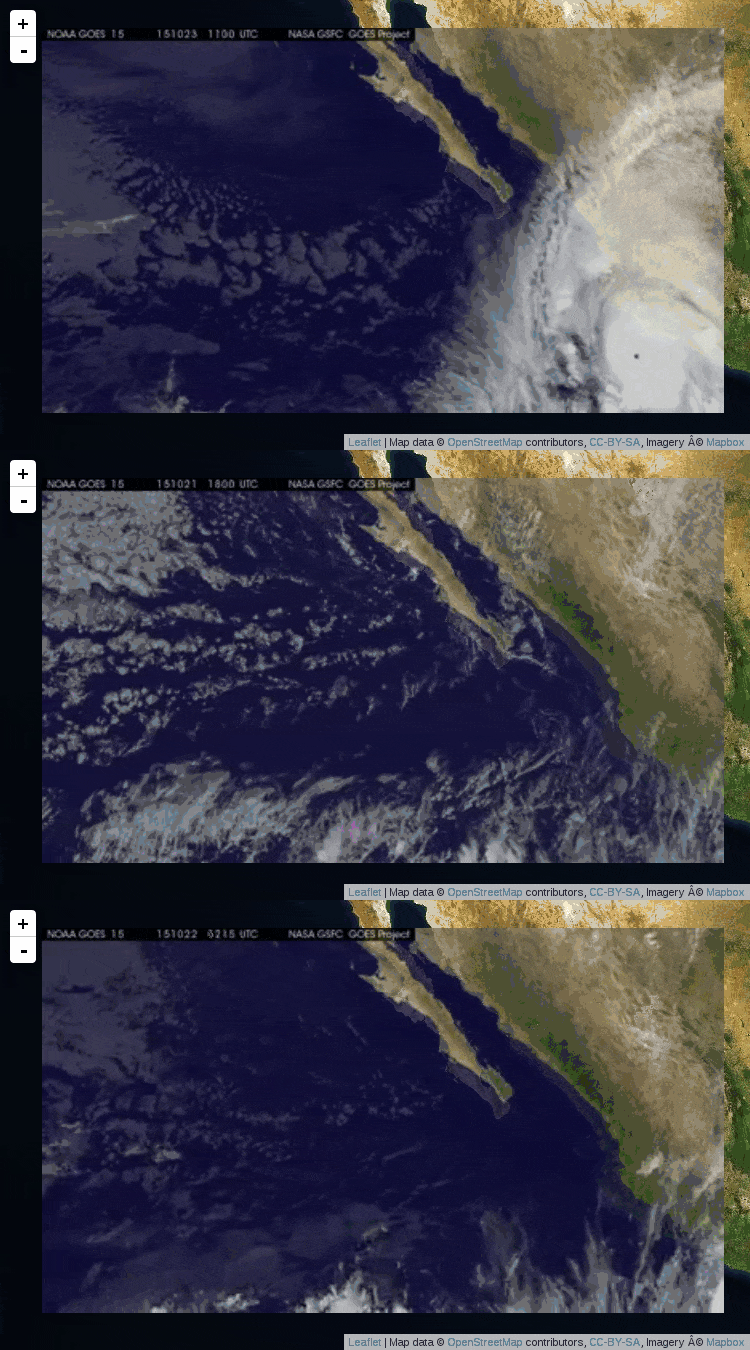
Overlays: Image, Video, SVG
Maplair can help you display images, videos and SVG elements somewhere on the map.
The following tutorials cover how to create plugins for Maplair, and are intended only for developers experienced in JavaScript:
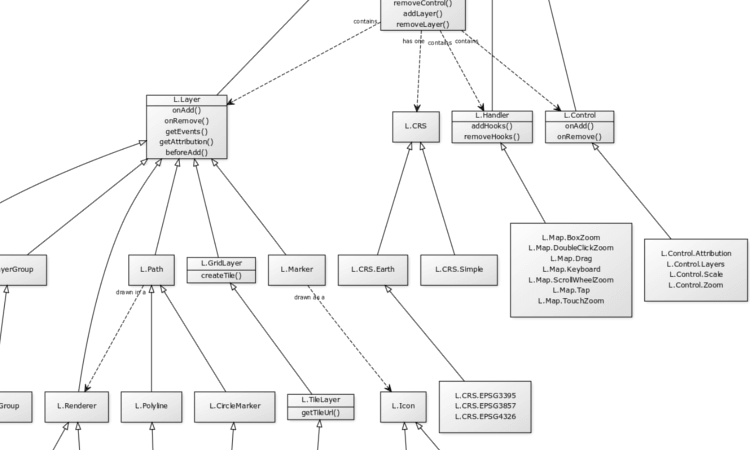
Extending Maplair: Class Theory
An overview of Maplair’s classes, class inheritance, and conventions.
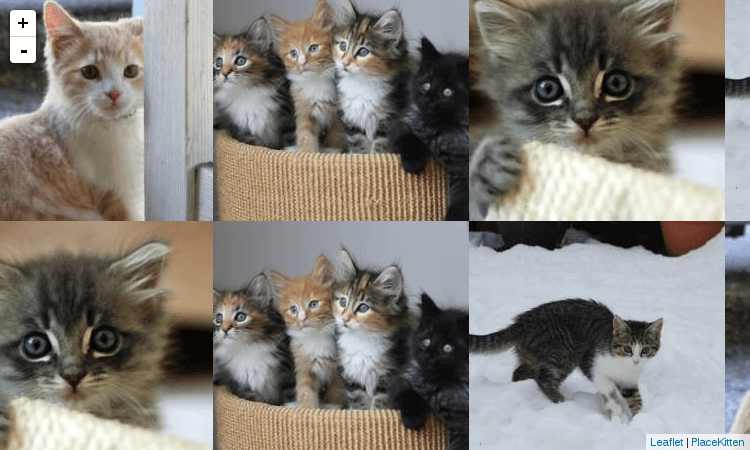
Extending Maplair: Layers
How to extend layers or create new ones, using specific entry points for doing so.
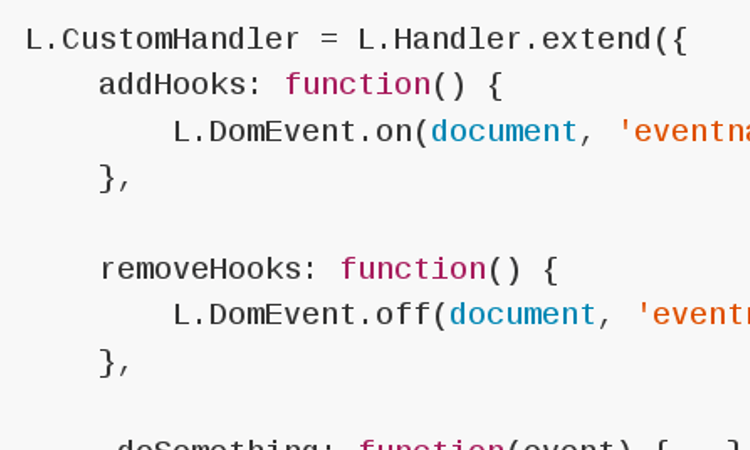
Extending Maplair: Handlers and Controls
How to extend or create non-layers.